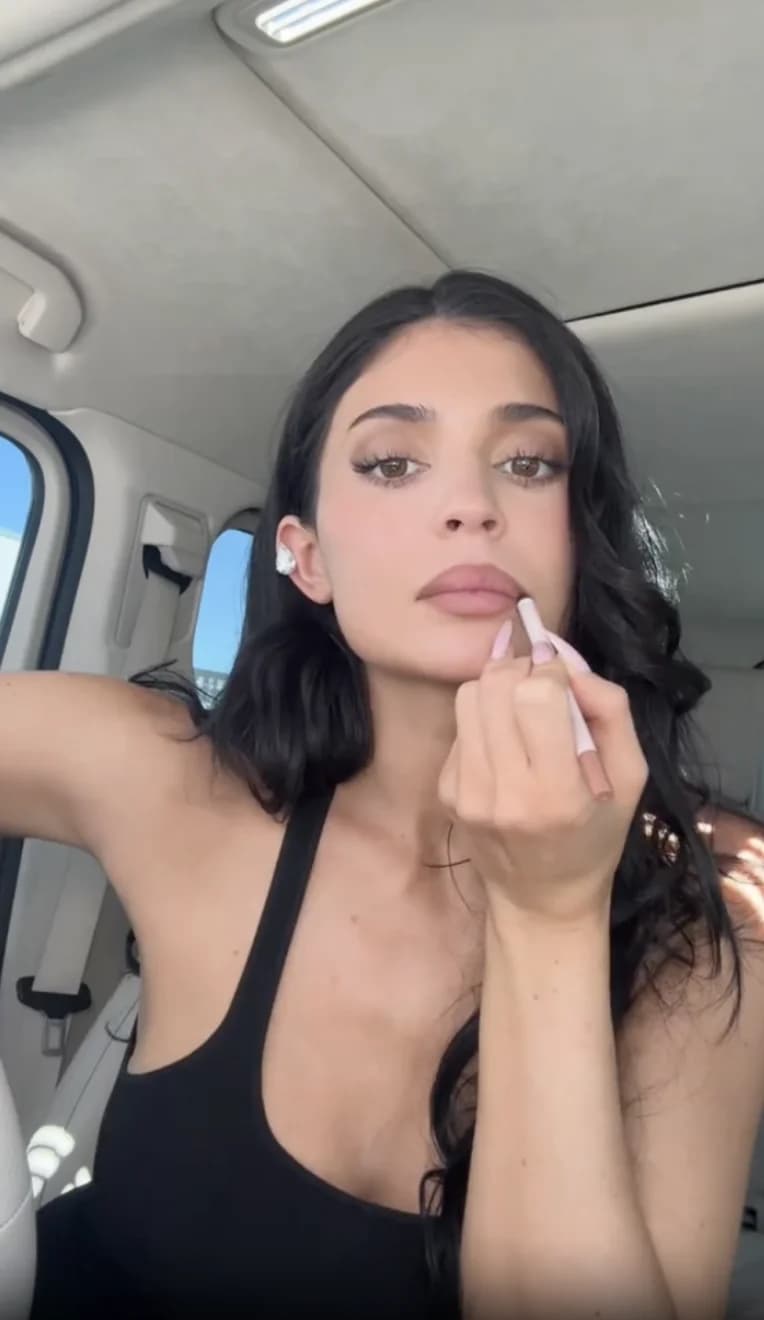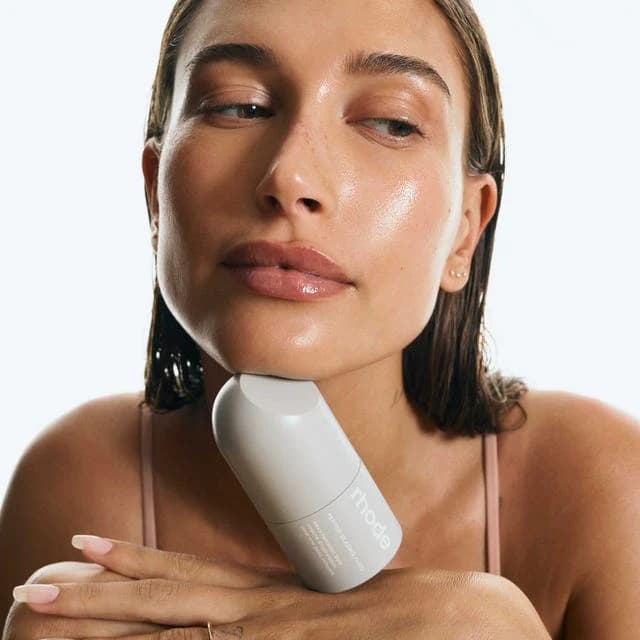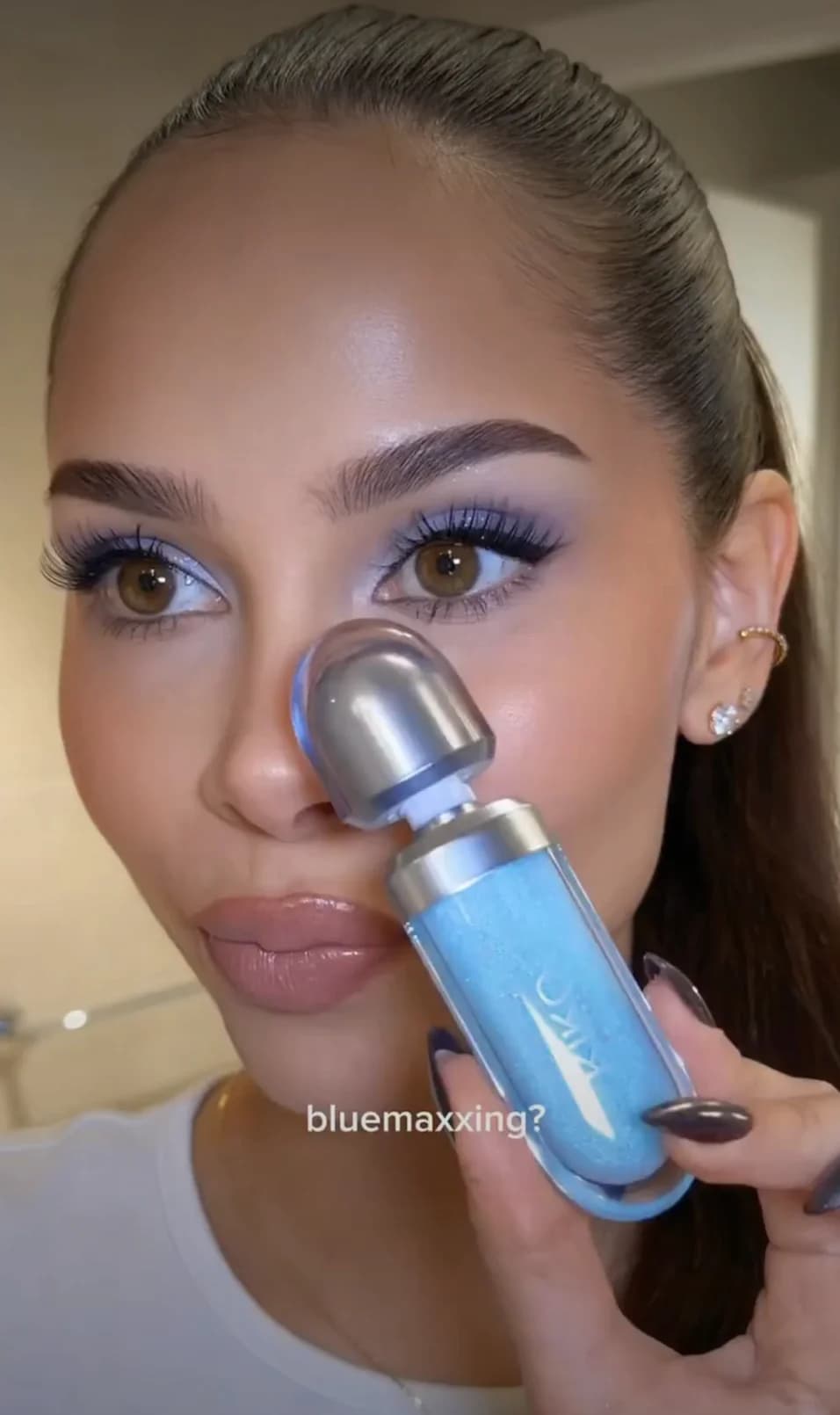
You're watching a get-ready-with-me, the creator swipes on a blush that looks perfect, and the video ends before they say what it is. It happens constantly on TikTok: products flash by in a second and the comments are a wall of "product??". This guide shows how to get the full product list from any TikTok video in under a minute with SaveAI, and how to shop what you find.
In this guide
Get every product from a TikTok video with SaveAI
SaveAI was built for exactly this: you paste the TikTok link, it watches the video and returns every skincare and makeup product it can see, with the brand and product name, and saves the routine so you can come back to it. All you need from TikTok is the link.
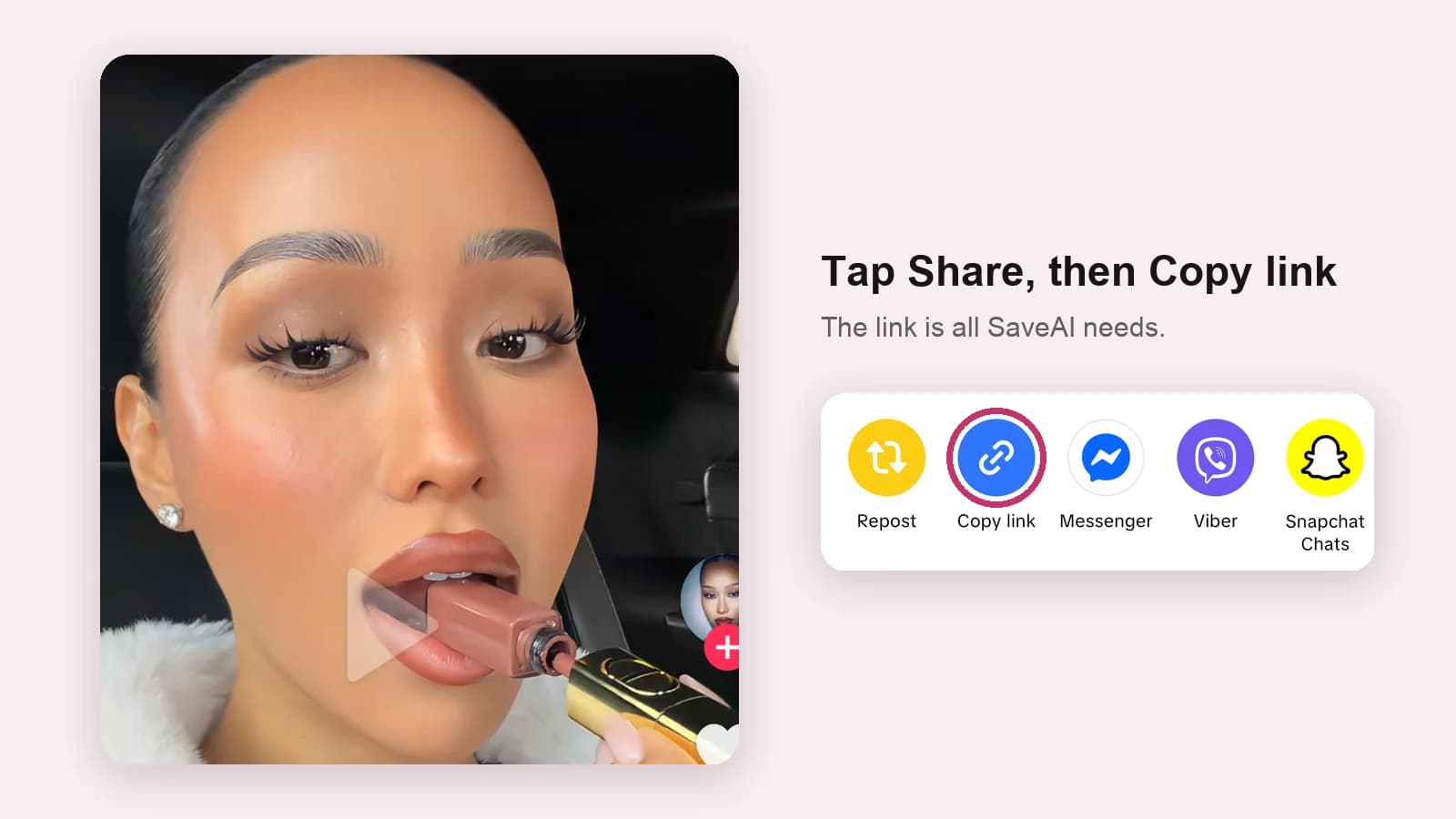
Copy the video link
In the TikTok app, tap Share on the video, then Copy link. On desktop, copy the URL from the address bar.
Paste it into SaveAI
Open savebeautyproducts.com or the SaveAI app and paste the link into the search box. You don't need to download the video.
Get the product list
SaveAI analyses the packaging, labels and colors in the video and lists every product it detects.
Save or shop the routine
Save the routine to your collection, or open any product to see where to buy it and which other creators use it.
What you get for each product
Every product SaveAI finds gets its own page. Open one to see:
- The brand and full product name, so you buy the right one.
- How and when the creator applies it in the routine.
- A button to watch the routine the product appears in.
- A link to shop it, plus other popular products from the same brand.
Already scanned? Open the creator's profile
Popular videos have often been scanned already. Every creator on SaveAI has a profile listing every product found across all their routines, the brands they use most, and each routine as its own page. For example, you can see every product Hailey Bieber has used without scanning a single video.
Shop every product creators use
The SaveAI shop collects every skincare and makeup product spotted in TikTok and Instagram routines in one place. Each product card shows how many creators use it, so you can see at a glance what's actually popular, with a Shop button to buy it.
- Browse by category, like lip products, face makeup or serums.
- Filter by brand, for example every Rhode product creators use.
- Sort by most popular, newest or A–Z, or search for a product or brand.
Discover new routines in the influencer feed
The influencer feed shows the latest scanned routines from TikTok and Instagram creators. Every video comes with its product list, so you can find something new and shop it without leaving SaveAI.
Where to find it on SaveAI
| You want to | Go to | What you get |
|---|---|---|
| Find the products in one video | Paste the link | Every product the AI detects |
| See everything a creator uses | The creator's profile | All their products and routines |
| Shop popular products | Shop | Products ranked by how many creators use them |
| Find new routines | Influencer feed | The latest scanned videos |
Before you buy what you found
A product that works for a creator won't necessarily suit your skin. Check that it fits your skin type, patch test new skincare, and buy from the brand or an authorized retailer: viral products are some of the most counterfeited. Here's how to spot fake skincare products.
Frequently asked questions
How do I find out what products someone used in a TikTok video?
Copy the video link from TikTok's Share menu and paste it into SaveAI. It detects every visible skincare and makeup product in the video and lists them with brand and product name.
Is there an app that identifies products in TikTok videos?
Yes. SaveAI identifies the skincare and makeup products in TikTok and Instagram videos. Paste a link on savebeautyproducts.com or in the SaveAI app for iPhone and Android.
Can I find products from a TikTok video without downloading it?
Yes. With SaveAI you only need the video link. Copy it from the Share menu in TikTok and paste it in.
Can I find the exact shade a creator used?
Sometimes. When the shade name is visible on the packaging at some point in the video, SaveAI can pick it up. Open the product page to check the details.
Does it work for products that aren't beauty products?
SaveAI focuses on skincare, makeup, haircare and beauty tools, which is where its detection is most accurate.
Is SaveAI free?
SaveAI's video analysis is free to start, with a premium plan for heavy use. Browsing the shop, creator profiles and the influencer feed is free.
This guide is for general information only and isn't medical advice. If you have a skin condition or a reaction to a product, talk to a dermatologist.
More guides in TikTok & Trends